Kindle × Libby
Automated library-to-Kindle delivery — books show up on your Kindle when a hold comes in. That's it.
The problem
Every time a library hold came in, I had to open Amazon, navigate to the right page, click through four steps, and confirm. Five minutes per book — manual and completely unnecessary. I wanted them to just appear on my Kindle.
My hypothesis
If you can automate the hold-monitoring and delivery steps, the book should show up with no intervention. I was testing whether I could eliminate the manual loop entirely — not just make it easier, but make it invisible.
What I built
Deployed to the cloud rather than running locally — because a script you have to run is still friction. The notification and dashboard aren't extra features; they're the only interface, since the automation itself is meant to be imperceptible.
What broke
Libby locks the format at borrow time — I was borrowing audiobooks that can't go to Kindle at all, then watching delivery fail silently. Amazon's internal GraphQL API reported zero books in my library even though they existed; I had to switch to browser automation instead. Then I asked about security before connecting my Amazon credentials. Claude started building anyway — what came back was functional code I couldn't audit.
What I learned
The happy path was maybe 40% of the work — the rest was keeping it running through token expiry, UI changes, and silent failures. When you build something that runs unattended, the design challenge isn't the automation: it's making failures visible in a system designed to be invisible.
If I kept going
I'd build the missing audit layer — a plain-language explanation of what the code accesses and why, generated before first run. That's what I'd want to hand to a non-technical user, and it doesn't exist yet in any AI-assisted build tool.
Prototype
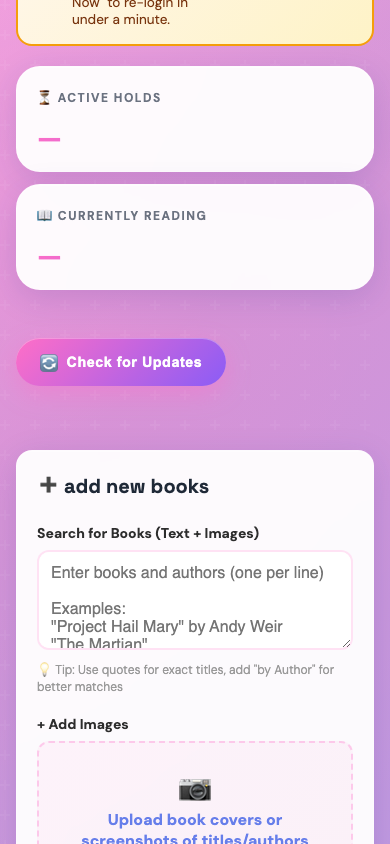
The monitoring dashboard — active holds, currently reading, check-for-updates trigger, and a text-based add-books form
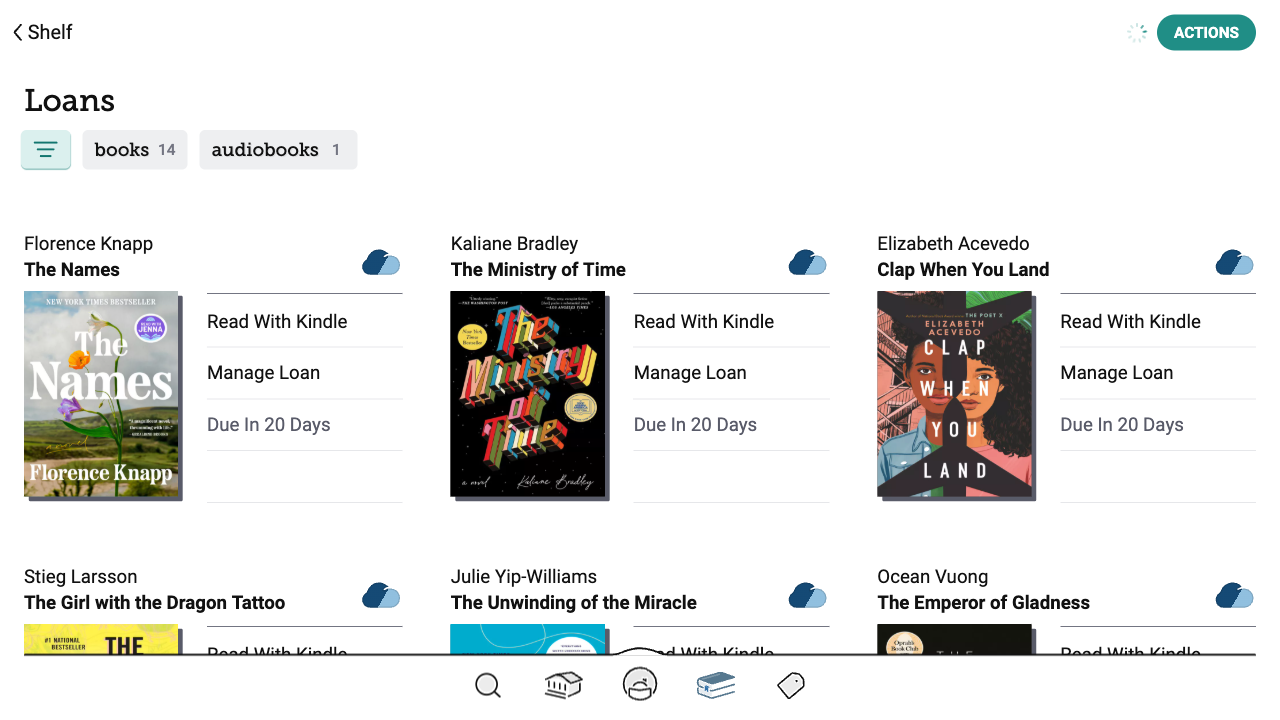
The source: Libby showing 14 real library loans the automation watches for Kindle-compatible availability